Lighting Pipeline
Note
Before you start anything, make sure that ftrack-connect is running.
Artist Workflow
Open a scene file
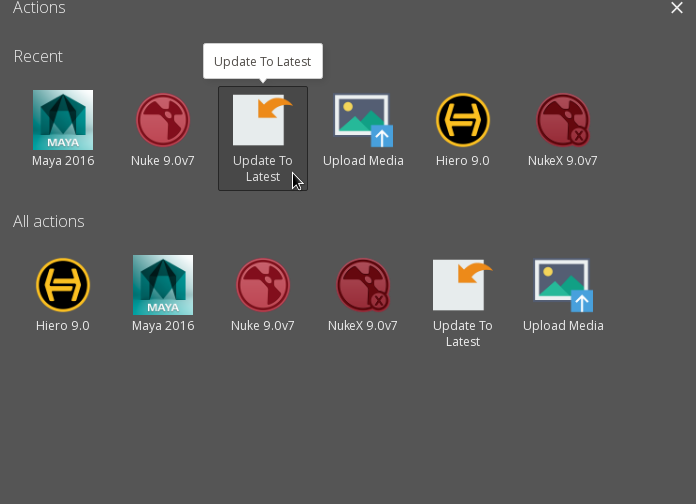
Once an artist is assigned an lighting task, the artist must navigate to the Ftrack task and open the Maya scene file from the actions menu.

When the application launches, the artist timer will start in Ftrack. This tracks the time the artist spends on the task.

The timer stops when the application is closed.
Lighting File Location
When the artist starts maya from ftrack, the corresponding task’s scene file will be launched. The file will be located at:
/data/production/<show>/shots/<sq>/<shot>/scene/lighting/<shot>_<version>.mb
For example the location of a animation file for shot ‘001_0010’ in sequence ‘001’ for project ‘test’ will be:
/data/production/test/shots/001/001_0010/scene/lighting/001_0010_v01.mb
Scene Setup
If a version 01 of the lighting file does not exist, the artist can create one by running the “Get Latest Publish” action. This action can be found by clicking on the lighting task and selecting the Actions menu
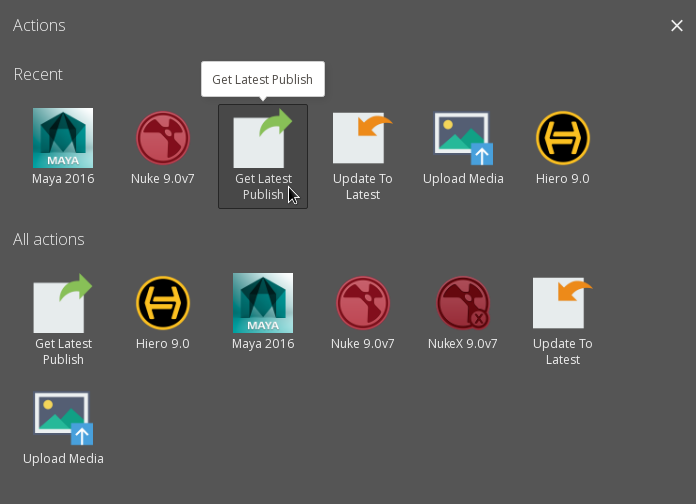
This action creates a lighting file based on the latest animation publish. It references in the reference model into the lighting scene file and merges it with animation alembic cache for each character published by animation. It also references in the latest camera published by layout.
Scene Update
When artist opens the file associated with the task from Ftrack, it opens the file that is mentioned in the task’s metadata. This information can be found under the ‘Info’ tab of the task.
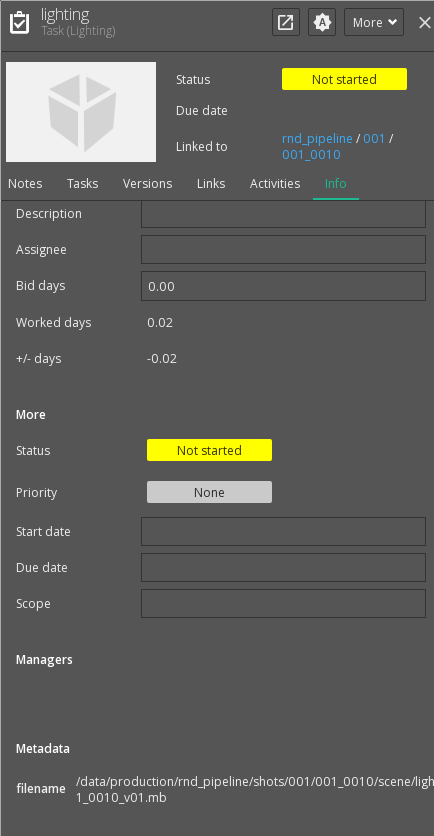
If this filename does not correspond to your latest working version, simply click on the action menu and select “Update to latest”. This action will update the metadata to the latest version of the file. You can then proceed to open the application via Ftrack.